What are you looking for?

20 Reasons Why PageSpeed Insights Scores Are Low

Discover 20 reasons why your PageSpeed Insights scores may be low and learn effective solutions to improve website speed and performance.

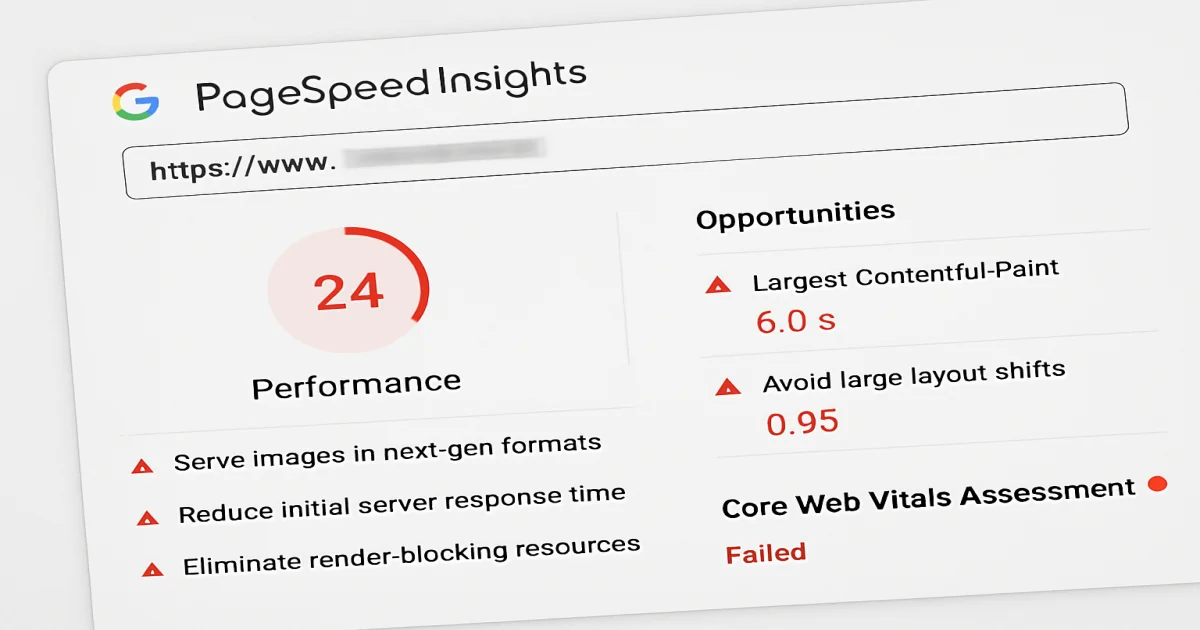
Illustration of low PageSpeed Insights scores
3 July 2026 Operator

20 Reasons Why PageSpeed Insights Scores Are Low

20 Reasons Why PageSpeed Insights Scores Are Low

Understanding PageSpeed Insights

PageSpeed Insights is a valuable tool for identifying website performance issues. Low scores can indicate various problems that need attention. This guide will explore 20 common reasons why your PageSpeed Insights scores might be low and how to improve them.

1. Large Image Files

High-resolution images can slow down your website. Compress images to reduce their size without losing quality.

2. Unoptimized CSS and JavaScript

Large or inefficient CSS and JavaScript files can block rendering. Minify and defer loading of these files to improve speed.

3. Slow Server Response Times

A slow server response time can significantly affect your PageSpeed Insights scores. Optimize your server settings and consider a faster hosting provider if necessary.

4. Lack of Browser Caching

Enable browser caching to store static files locally, reducing load times for returning visitors.

5. Excessive Redirects

Too many redirects can slow down your website. Reduce unnecessary redirects to speed up page loading.

6. Not Utilizing a Content Delivery Network (CDN)

A CDN can deliver content more quickly by serving it from a network of geographically distributed servers.

7. No Gzip Compression

Enable Gzip compression to reduce the size of the files sent from your server, speeding up load times.

8. Inefficient Code

Clean and efficient code is crucial for performance. Remove unnecessary code and optimize remaining scripts.

9. Overuse of Plugins

Too many plugins can slow your site. Keep only essential plugins and make sure they are well-optimized.

10. Render-Blocking Resources

Resources that block rendering slow down page load times. Defer non-critical CSS and JavaScript.

11. Poor Mobile Optimization

Mobile optimization is key. Ensure your site is responsive and loads quickly on mobile devices.

12. Unoptimized Web Fonts

Web fonts can impact load times. Only use necessary font weights and styles to minimize requests.

13. No Lazy Loading

Implement lazy loading to defer off-screen images and videos, improving initial load times.

14. High DOM Size

A large DOM size can slow page rendering. Simplify your HTML structure to improve performance.

15. Incorrectly Configured Caching

Ensure your caching settings are correct to maximize efficiency and speed.

16. Inefficient Third-Party Scripts

Third-party scripts can slow your site. Evaluate their necessity and impact on performance.

17. Lack of HTTP/2

HTTP/2 allows multiple requests over a single connection. Ensure your server supports HTTP/2.

18. Unoptimized Database Queries

Optimize your database queries to ensure the server can retrieve data quickly.

19. Not Prioritizing Visible Content

Prioritize above-the-fold content to load first, improving perceived load times.

20. Poor Core Web Vitals Scores

Focus on improving Core Web Vitals such as Largest Contentful Paint (LCP) and Cumulative Layout Shift (CLS) for better performance.

Conclusion

Improving PageSpeed Insights scores requires a comprehensive approach to optimizing your website. By addressing these 20 common issues, you can enhance your site's speed and user experience.

Explore the common reasons why your PageSpeed Insights scores might be low. Understand how to address these issues for better website performance.
WhatsApp
Telefon
İnstagram