What are you looking for?

Top 10 Factors Affecting Website Performance

Discover the top 10 factors causing slow website performance and learn how to optimize them for faster load times.

Factors Affecting Website Performance
3 July 2026 Operator

Top 10 Factors Affecting Website Performance

Top 10 Factors Affecting Website Performance

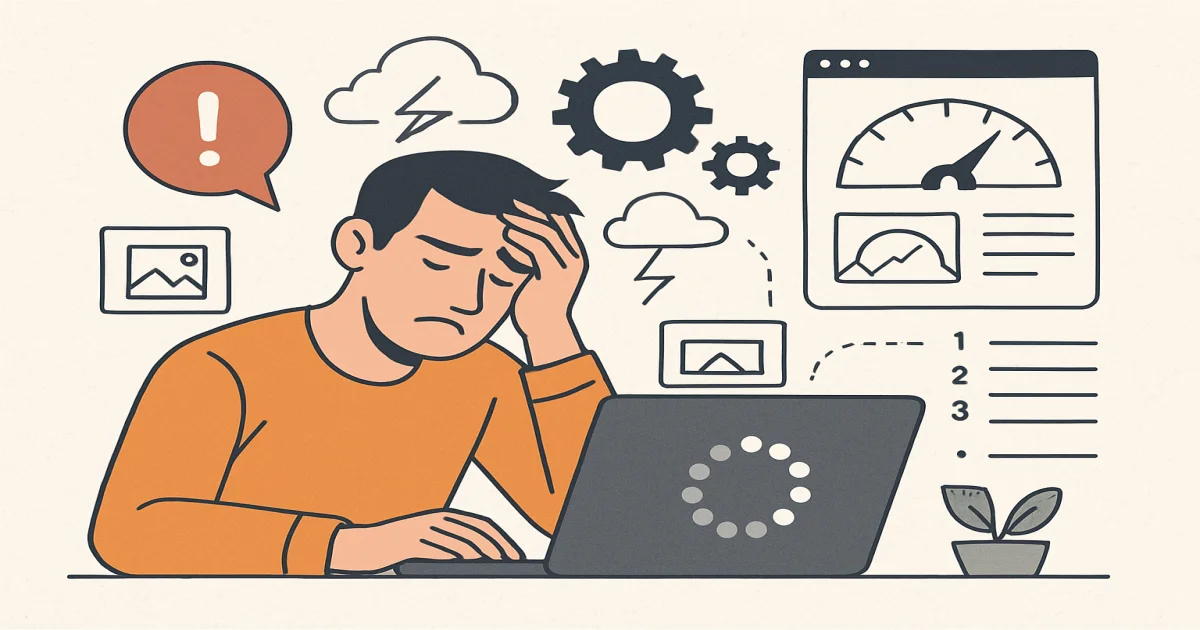
Website performance is crucial for user experience and search engine rankings. Slow websites can lead to higher bounce rates and lower conversions. Understanding the reasons behind a website's sluggishness can help address these issues effectively.

1. Unoptimized Images

One of the primary reasons a site may load slowly is due to unoptimized images. High-resolution images consume bandwidth and increase load times. Tools like Photoshop or online compressors can reduce image size without compromising quality.

2. Poor Hosting Services

Hostinq problemləri can significantly affect performance. A shared hosting plan might save costs but can slow down your site during peak times. Consider switching to a VPS or dedicated server for better performance.

3. Excessive HTTP Requests

When a browser fetches information from a server, it makes HTTP requests. Too many requests can slow down load times. Minimizing scripts and stylesheets and combining files can reduce these requests.

4. Lack of Caching Mechanisms

Keşləmə problemləri occur when caching isn’t implemented correctly. Caching stores parts of your website on the user's device, reducing server load and speeding up load times for returning visitors.

5. Server Delays

Serverin gecikməsi can be a critical bottleneck. Ensure your server is geographically closer to your target audience and consider using a Content Delivery Network (CDN) to distribute content efficiently.

6. Overloaded Scripts

Too many scripts running simultaneously can slow down a site. Audit your scripts and remove or defer loading for non-essential ones to improve speed.

7. Excessive Plugins

Plugins can add functionality but also bloat your site. Regularly review and deactivate unused plugins to keep your site lean and fast.

8. Inadequate CSS and JavaScript Minification

Minifying CSS and JavaScript files removes unnecessary characters, reducing file size and improving load times.

9. Large Web Pages

Web pages with too much content or large files can slow down loading. Break down content into smaller pages and use lazy loading for images and videos.

10. Inefficient Code

Poorly written code can cause slowdowns. Regularly audit and optimize your codebase to ensure efficient execution and faster load times.

Addressing these factors can significantly enhance your site's performance, resulting in better user satisfaction and improved search engine rankings.

Understand the key reasons behind slow website performance. Discover solutions to enhance speed and efficiency.
WhatsApp
Telefon
İnstagram